COSMIC Desktop 1.0.9 Released with Better Files, Settings, and Applets

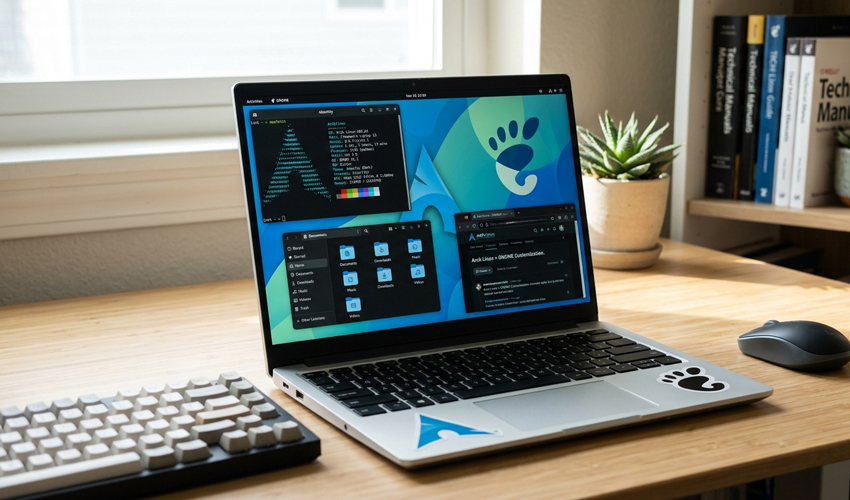
Arch Linux users are among the first to experience the latest GNOME desktop, as GNOME 50 has begun rolling out through Arch’s repositories. Thanks to Arch’s rolling-release model, new upstream software like GNOME arrives quickly, giving users early access to the newest features and architectural changes.
With GNOME 50, that includes one of the most significant shifts in the desktop’s history.
GNOME 50, officially released in March 2026 under the codename “Tokyo,” represents six months of development and refinement from the GNOME community.
Unlike some previous versions, this release focuses less on dramatic redesigns and more on strengthening the foundation of the desktop, improving performance, modernizing graphics handling, and simplifying long-standing complexities.
For Arch Linux users, that translates into a more streamlined and future-ready desktop environment.
The headline change in GNOME 50 is the complete removal of X11 support from GNOME Shell and its window manager, Mutter.
After years of gradual transition:
This means GNOME now runs exclusively on Wayland, with legacy X11 applications handled through XWayland compatibility layers.
The result is a simpler, more modern graphics stack that reduces maintenance overhead and improves long-term performance and security.
GNOME 50 brings several key improvements to display and graphics performance:
These changes aim to deliver smoother animations, more responsive desktops, and better support for modern displays.
For gamers and users with high-refresh monitors, these upgrades are especially noticeable.
Beyond graphics, GNOME 50 includes multiple performance optimizations:
These refinements make the desktop feel more responsive, particularly on systems with demanding workloads or multiple monitors.
GNOME 50 also expands its focus on usability and accessibility.
 Firefox recently added a free built-in VPN to its desktop browser, but access to the feature is rolling out gradually. It hit my Ubuntu machine last night – and I’m last to be invited to anything, so I thought I’d write a quick rundown of what it actually does, what it doesn’t, and how to set it – assuming you have it. If you’re waiting for it to roll out to you, there’s no special update or download to look out for as this is a progressive rollout feature – Mozilla enables it remotely, in stages. There was no fanfare […]
You're reading Firefox’s free VPN rollout finally reached me – is it any good?, a blog post from OMG! Ubuntu. Do not reproduce elsewhere without permission.
 Further to Ubuntu Pro features being added to the desktop Security Center, Ubuntu 26.04 LTS also makes it easier to opt-in to Canonical’s (free for home users) subscription to get extended security updates, right from the wizard shown after installation. The first slide in the distro’s Welcome tool (package namegnome-initial-setup, with Ubuntu-specific modifications) is Enable Ubuntu Pro. The tool opens the first time a user logs in after installing the OS. Signposting the feature in the Welcome tool makes it easier to enrol your system in Ubuntu Pro: The flow is presented simply: either select ‘Enable Ubuntu Pro’, or choose […]
You're reading Enabling Ubuntu Pro from the OS setup tool is easier, a blog post from OMG! Ubuntu. Do not reproduce elsewhere without permission.
 A couple of new icons have been added to Ubuntu 26.04 LTS, to ensure the Resolute Raccoon’s new default apps sport a Yaru-ified look in keeping with the rest of the distro. Ubuntu’s new default system monitor tool Resources gains a new icon. In the Ubuntu 26.04 beta, the app was still sporting its upstream icon. That didn’t look out of place per se, but shape did not conform to the Yaru icon template (circle, squircle or upright rectangle). That’s now fixed. Still identifiably a system monitor, but uses the round template with less busy scale markings and simpler gauge […]
You're reading More new icons arrive in Ubuntu 26.04 LTS, a blog post from OMG! Ubuntu. Do not reproduce elsewhere without permission.
 Skyscraper is a free, open-source Bluesky terminal client written in Rust. Browse, post and reply without leaving the command line - here's how to run it on Ubuntu.
You're reading Skyscraper brings Bluesky to the Linux terminal, a blog post from OMG! Ubuntu. Do not reproduce elsewhere without permission.