
How to run Zwift on Linux?
Follow the instructions from https://zwiftinsider.com/zwift-on-linux/.
Add one more procedure:
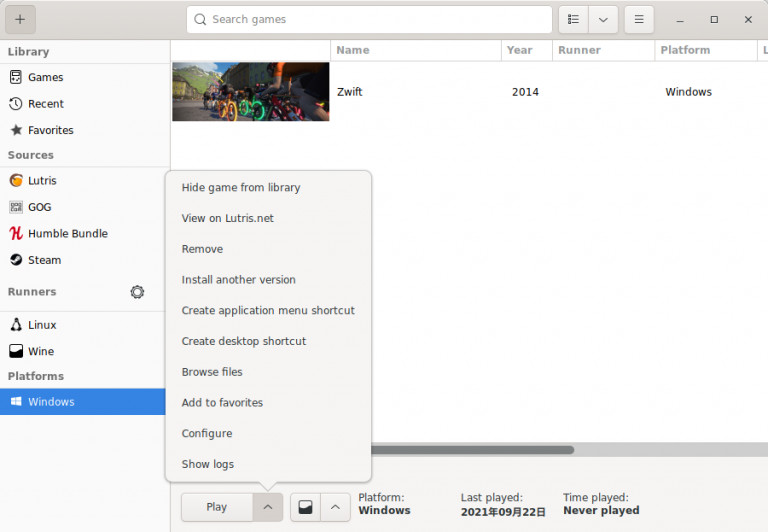
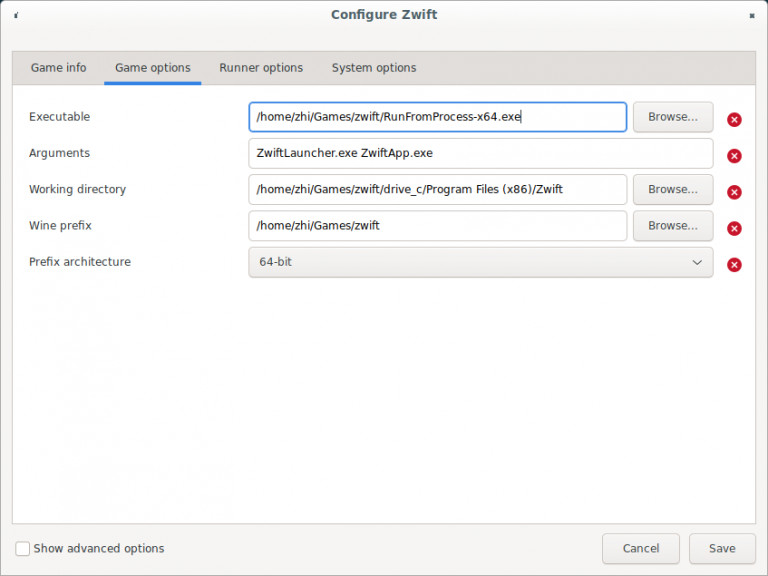
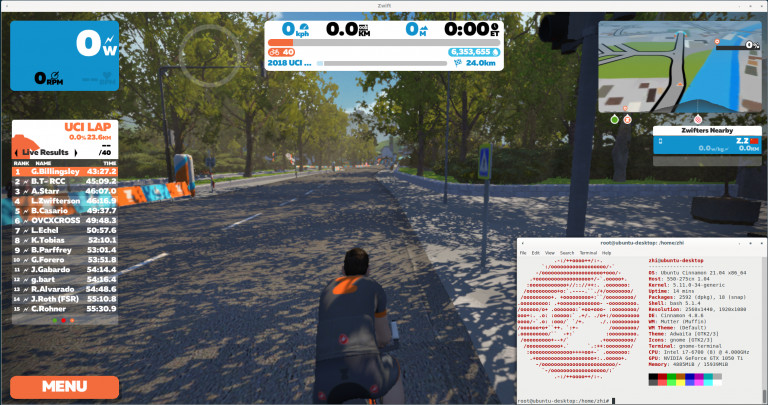
Click “Configure” and change the executable path to “RunFromProcess-x64.exe” then save. Enjoy zwifting and Ride on!
How to remove cluster from proxmox?
Execute the following commands via proxmox shell or ssh terminal(recommened). In this way you don’t have to empty all VMs from a node before removing a cluster from it.
# sudo systemctl restart pve-cluster
# sudo pmxcfs -l
[main] notice: forcing local mode (although corosync.conf exists)
# sudo rm -f /etc/pve/cluster.conf /etc/pve/corosync.conf
# sudo rm -f /var/lib/pve-cluster/corosync.authkey
# sudo systemctl stop pve-cluster
# sudo rm /var/lib/pve-cluster/.pmxcfs.lockfile
# sudo systemctl restart pve-cluster
# sudo systemctl restart pvedaemon
# sudo systemctl restart pveproxy
# sudo systemctl restart pvestatd